

Description
Sushi Maker Kids Cooking Games
Overview
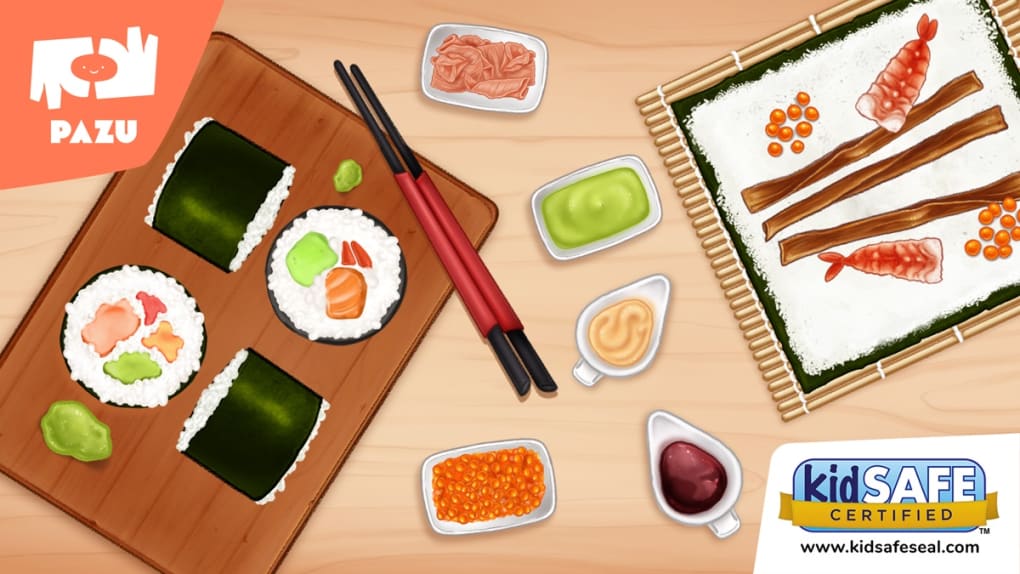
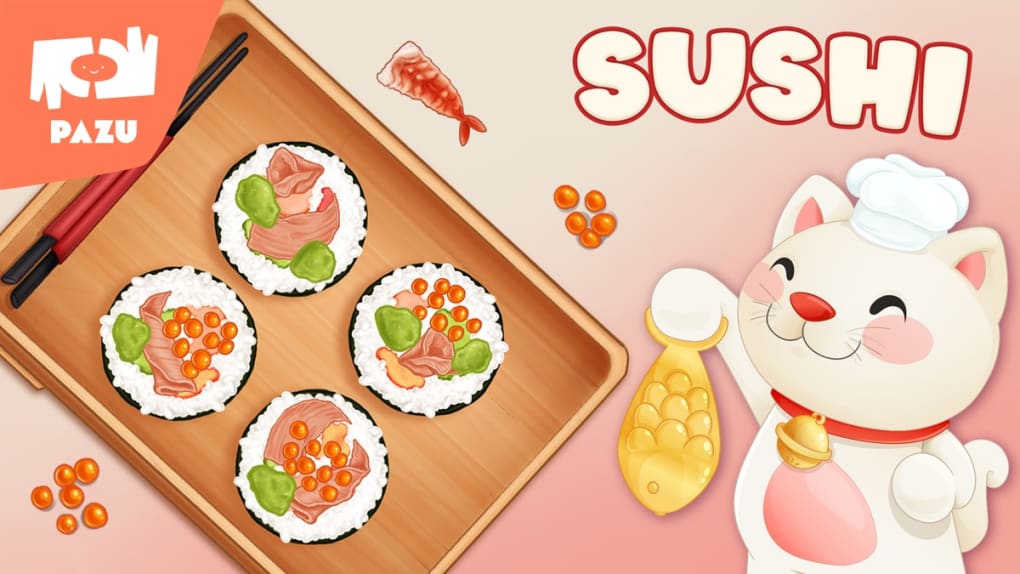
Sushi Maker Kids Cooking Games is a family-friendly mobile game developed by Pazu Games Ltd, designed specifically for young children. The game immerses kids in the role of a sushi chef, guiding them through a playful and interactive cooking experience. It introduces basic culinary skills such as rolling sushi, chopping ingredients, slicing fish, grating cheese, and preparing rice—all in a safe, engaging environment. The game’s primary purpose is to entertain while subtly promoting fine motor skills, hand-eye coordination, and early learning through hands-on digital play.
Target users are children aged 4 to 8, with gameplay mechanics adapted to suit various developmental stages. The game is ideal for parents seeking educational yet fun content that encourages independent play. Real-world usage scenarios include quiet time activities, travel entertainment, or casual learning sessions at home. It serves as a digital alternative to physical cooking playsets, offering a clean, ad-free experience without in-app purchases.
As part of the Pazu subscription ecosystem, the game supports a multi-device setup, allowing up to three devices per account. This makes it a practical choice for families with multiple children or devices. The developer’s focus on child safety and content appropriateness aligns with modern parental concerns about screen time and digital exposure.
Key Features & Capabilities
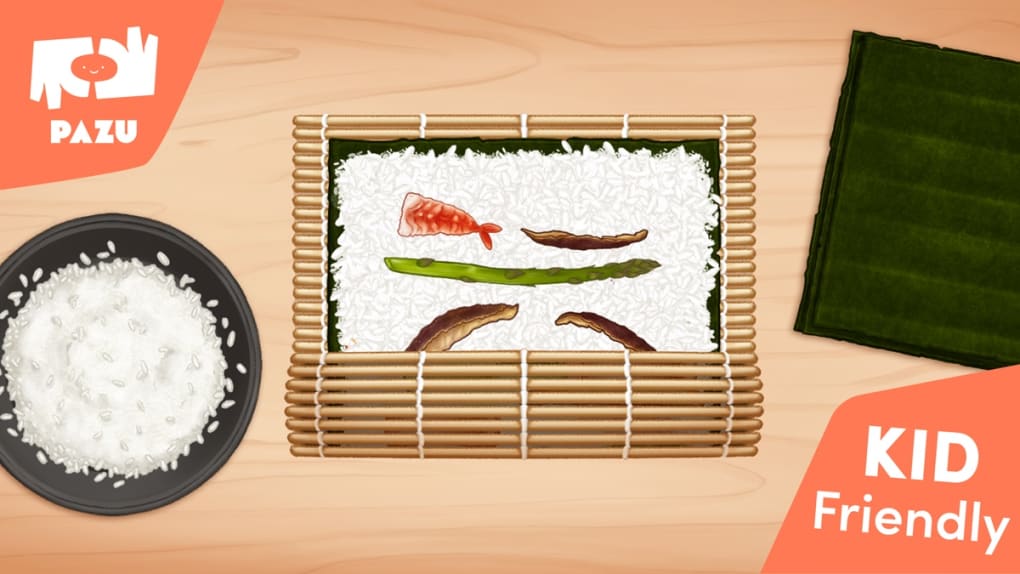
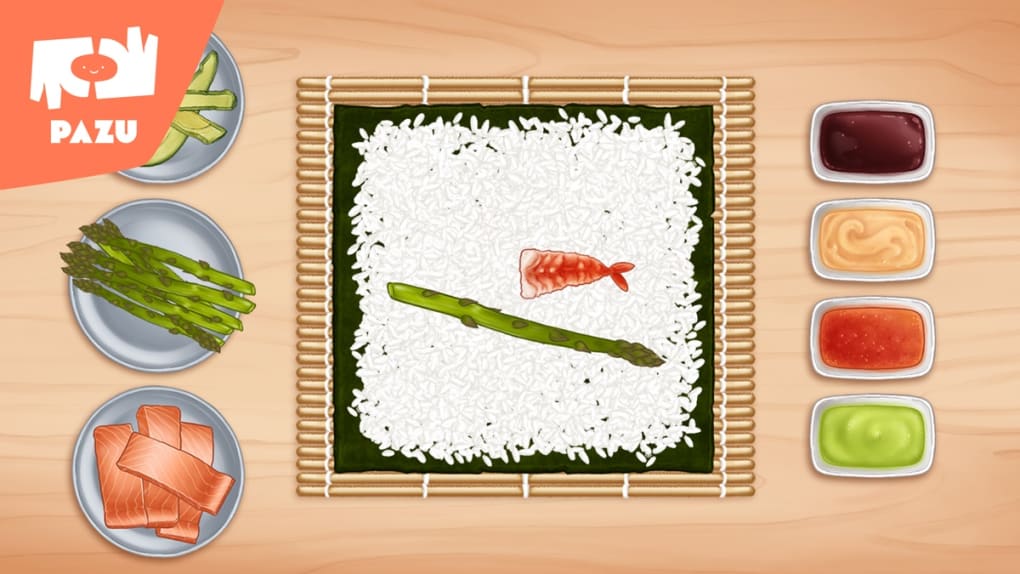
- Interactive Sushi Preparation – Children roll, cut, and assemble sushi using intuitive touch controls, learning the sequence of steps involved in making traditional and creative dishes.
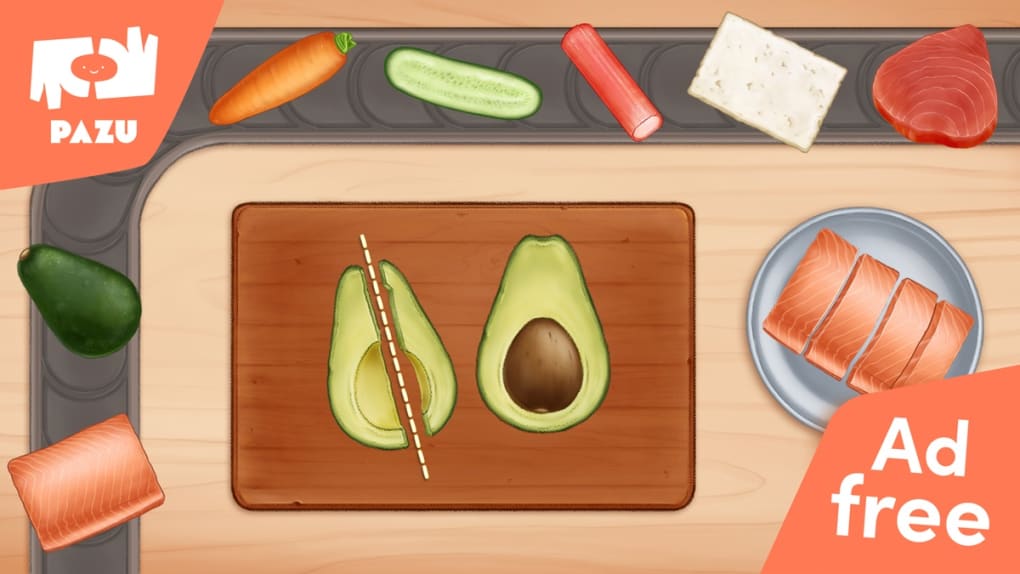
- Mini-Games for Skill Development – A variety of themed mini-games teach specific cooking actions like slicing fish, grating cheese, and measuring rice, promoting cognitive and motor development.
- Ad-Free & No In-App Purchases – The game is completely free from advertisements and microtransactions, ensuring a distraction-free experience for young users.
- Child-Friendly Interface – The UI is designed with large, colorful buttons and clear visual cues, making navigation simple for even the youngest players.
- Multi-Device Access – With the Pazu subscription, families can use the game across up to three devices, enhancing accessibility and value.
- Progressive Learning Path – New recipes and challenges unlock as children advance, encouraging repeated play and skill mastery.
These features support independent exploration and confidence-building in young learners. The game’s structure allows children to experiment with ingredients and techniques without real-world consequences, making it a safe space for creative expression and trial-and-error learning.
User Interface, Workflow & Performance
The user interface is bright, colorful, and highly intuitive, with large icons and minimal text, making it accessible to preschoolers and early readers. Navigation is straightforward, relying on touch gestures such as tapping, dragging, and swiping to perform cooking actions. The workflow follows a logical sequence: select ingredients, prepare them, assemble the dish, and serve—mirroring real cooking steps in a simplified format.
Performance is expected to be smooth on supported iPhone devices, given the game’s size of 285 MB and its focus on 2D visuals and touch-based interactions. The developer did not specify resource usage details, but based on typical mobile game behavior, the app should operate efficiently without excessive battery drain or lag. Stability appears to be a priority, as the game runs without ads or in-app purchase prompts, which can disrupt gameplay.
Children can play independently without needing adult supervision, thanks to the self-explanatory nature of the interface and the absence of complex menus. The game’s design supports repeated use, with no visible performance degradation reported in available data.
Compatibility & System Requirements
Sushi Maker Kids Cooking Games is available exclusively for iPhone devices. The software version is 1.0, and the installation size is 285 MB. The developer did not provide additional system requirements, so compatibility with specific iOS versions or hardware configurations remains unclear.
Exact system requirements were not listed. However, since the game is optimized for iPhone, it is likely compatible with recent iPhone models running the latest iOS versions. The absence of detailed technical specifications means users should ensure their device meets general app compatibility standards. The game’s file size suggests it requires moderate storage space, which may be a consideration for devices with limited capacity.
Pros and Cons
Pros
- Free to download and play with no ads or in-app purchases
- Designed specifically for children with a safe, child-friendly interface
- Encourages fine motor skills and early learning through play
- Supports up to three devices with a single Pazu subscription
- Simple, intuitive controls suitable for young users
- Engaging and educational cooking simulation for kids
Cons
- No information provided on minimum iOS version or device compatibility
- Game content is limited to one title within the Pazu ecosystem
- Requires a Pazu subscription for full access to all features
- May lack depth for older children seeking more complex gameplay
- Performance details on different iPhone models were not specified
FAQ Section
Is Sushi Maker Kids Cooking Games available for free?
Yes, the game is free to download and play. It does not contain advertisements or in-app purchases, offering a clean, uninterrupted experience for children.
Can I use the game on multiple devices?
Yes, the game is accessible on up to three devices when linked to a single Pazu subscription account, making it convenient for families with multiple iPhones or iPads.
Is the game safe for young children?
Yes, the game is designed specifically for kids and features no ads, no in-app purchases, and a child-friendly interface. It is part of a curated family-friendly platform by Pazu Games Ltd.
What type of subscription is required to play?
While the game is free to play, access to the full experience is included in the Pazu subscription, which grants access to all Pazu games without ads and with multi-device support.
Does the game require an internet connection?
The game can be played offline after download. However, some features like account synchronization or updates may require an internet connection.
Final Thoughts + CTA
Sushi Maker Kids Cooking Games delivers a polished, safe, and engaging experience tailored to young learners. Its focus on interactive cooking tasks, combined with a clean interface and ad-free gameplay, makes it a standout choice among children’s games. The inclusion of a multi-device subscription model adds long-term value for families. While detailed system information is limited, the game’s design prioritizes accessibility and ease of use.
Parents seeking a fun, educational tool that promotes creativity and motor skills will find this game highly beneficial. It’s ideal for children who enjoy pretend play and are curious about food preparation. With no distractions and a strong emphasis on child safety, Sushi Maker Kids Cooking Games stands out as a trusted digital activity.
Download Sushi Maker Kids Cooking Games now
Guides & Tutorials for Sushi Maker Kids Cooking Games
How to install Sushi Maker Kids Cooking Games
- Click the Preview / Download button above.
- Once redirected, accept the terms and click Install.
- Wait for the Sushi Maker Kids Cooking Games download to finish on your device.
How to use Sushi Maker Kids Cooking Games
This software is primarily used for its core features described above. Open the app after installation to explore its capabilities.
User Reviews for Sushi Maker Kids Cooking Games 0
No reviews found





